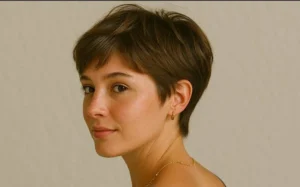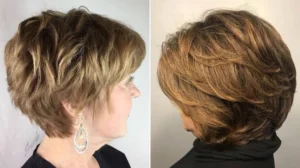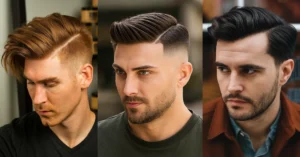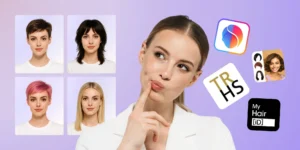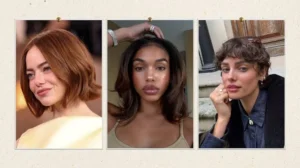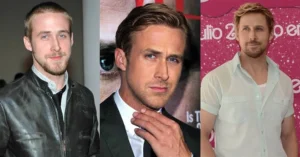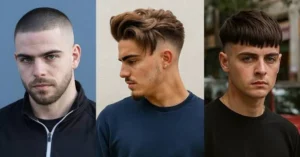
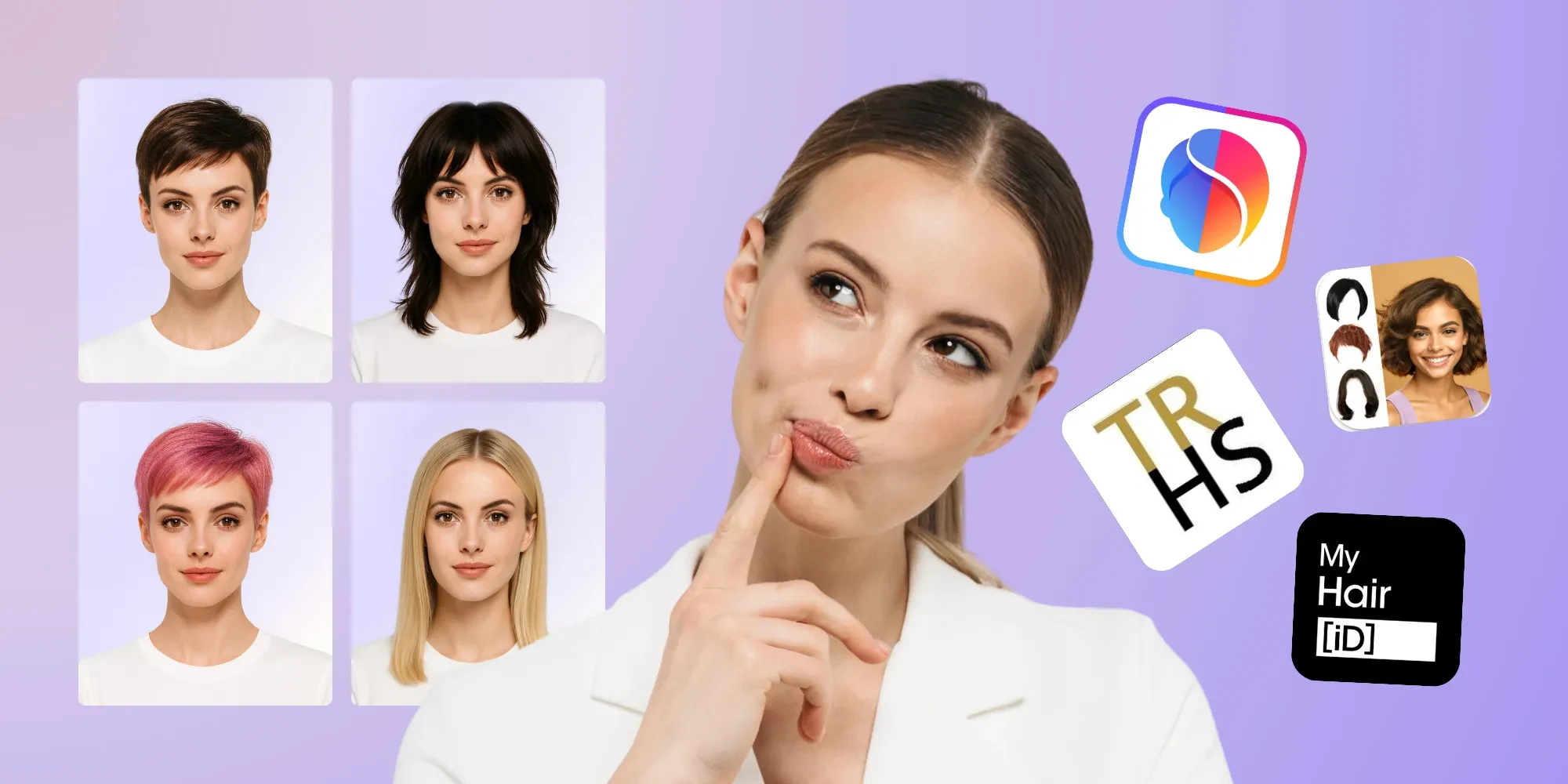
Picking a new haircut used to mean flipping through a magazine and hoping for the best. Now you can test hairstyles on your face for free before you ever sit in a barber’s chair or salon seat. Free AI hairstyle tools let you upload a photo and preview cuts, lengths, and colors on your own face shape and features, so you walk into your appointment with a clear picture instead of a guess. This guide explains how these tools actually work, which types are available at no cost, how to get the most accurate preview, what the results can and can’t tell you, and how to turn a virtual try-on into a haircut you’ll actually be happy with.
Quick Answer
You can test hairstyles on your face for free using AI-powered hairstyle changer websites and apps that let you upload a photo and preview different cuts, lengths, and colors mapped onto your own features. Popular free options include AI hairstyle changer tools from sites like Fotor, Krea, and Perfect Corp, along with dedicated virtual hairstylers such as TheHairStyler.com. These tools give a useful visual starting point, but they work best combined with a face-shape check and an honest conversation with your barber or stylist about your actual hair type and density.
TL;DR
- Free AI hairstyle changers let you upload a photo and preview cuts and colors before committing
- A clear, front-facing, well-lit photo with hair pulled away from the face gives the most accurate preview
- Free tiers usually limit the number of tries, style options, or resolution compared to paid plans
- These tools are good for exploring shape and length, but they can’t fully predict how your specific hair texture and density will behave
- Pairing a virtual preview with a face-shape guide gives a more realistic sense of what will actually suit you
- Always confirm privacy and photo-storage practices before uploading a personal photo to any tool
What Does “Testing a Hairstyle on Your Face” Actually Mean?
Testing a hairstyle on your face means previewing a haircut, length, or color digitally before committing to it in real life. Most tools do this by analyzing your face shape, proportions, and sometimes skin tone from an uploaded photo, then generating a realistic overlay or rendering of a chosen hairstyle mapped onto your features. The goal isn’t a perfect prediction — it’s a fast, low-risk way to rule out styles that clearly won’t work and shortlist the ones worth discussing with a professional.
How Virtual Hairstyle Try-On Tools Work
Most modern hairstyle try-on tools use a combination of face detection and generative AI. The tool first maps key facial landmarks — hairline, cheekbones, jaw, forehead width — to understand your face shape and proportions. It then blends a chosen hairstyle template, or a fully AI-generated hairstyle, onto your photo so the color, lighting, and shading match your original image. Some tools also factor in skin undertone to suggest hair colors, and a few use your actual hair as a base layer instead of generating a synthetic version from scratch.
What You Need Before You Start
Most free tools ask for a similar type of photo. Having the right one ready saves time and produces a noticeably better preview.
- A front-facing photo taken straight-on, not at an angle
- Even, natural lighting without heavy shadows across the face
- Hair pulled back or tucked away from the face, if possible, so the tool can see your hairline and face shape clearly
- A neutral expression, since exaggerated expressions can distort how the rendered hairstyle sits
- A recent photo, so results reflect your current hair color, skin tone, and any facial hair
Free Ways to Test Hairstyles on Your Face
AI Hairstyle Changer Websites and Apps
These are the most common option, and several offer a genuinely free tier. Tools such as Fotor’s AI hairstyle changer, Krea’s AI hairstyle changer, and Perfect Corp’s AI hairstyle generator let you upload a photo and preview a range of cuts and colors. Features, exact style counts, and free-tier limits are set by each provider and can change, so it’s worth checking the current terms on each site before relying on a specific number of free tries.
Dedicated Virtual Hairstylers
Some sites are built specifically around hairstyle previews rather than general photo editing. TheHairStyler.com’s Virtual Hairstyler is a long-running example that lets you browse a large style library and preview options on your own photo.
Face Shape Analyzers
Rather than rendering a full hairstyle, some free tools focus on identifying your face shape from a photo or a short quiz, then recommending haircuts known to suit that shape. These are useful as a starting filter before you move on to a full visual try-on.
Manual Photo Editing
If you’d rather not use an AI tool, a basic photo editing app can approximate a hairstyle change by overlaying a reference image or sketching a rough outline over your photo. It’s less precise than an AI renderer, but it works without uploading your photo to a third-party service.
Popular Free Virtual Hairstyle Tools at a Glance
| Tool Type | Example | Best For |
|---|---|---|
| AI hairstyle changer | Fotor AI Hairstyle Changer | Trying multiple cuts and colors quickly |
| AI hairstyle changer | Krea AI Hairstyle Changer | No-signup, unlimited free previews |
| AI hairstyle generator | Perfect Corp AI Hairstyle Generator | Detailed face-shape and skin-tone matching |
| Virtual hairstyler | TheHairStyler.com | Large style library to browse before previewing |
| Face shape analyzer | Online face shape quizzes/tools | Narrowing down flattering shapes before a full preview |
Feature sets, pricing tiers, and free-use limits are controlled entirely by each provider and can change without notice, so treat this as a starting point for your own research rather than a guarantee of what’s currently free.
How Accurate Are These Tools?
Virtual hairstyle previews are a helpful visual reference, not a guarantee. They’re generally good at showing overall shape, length, and color, since those are the elements most tools are built to render accurately. They’re less reliable at predicting how a specific hair texture will actually fall, how much volume a fine-haired cut will really have, or how a fade will look once it grows out. Lighting, photo angle, and the quality of the original image also affect how realistic the result looks.
Understanding Face Shape Before You Test Styles
Knowing your general face shape gives you a helpful baseline before uploading a photo, since it helps you interpret whether a virtual preview looks flattering or just looks different. Face shape is a starting point, not a fixed rule — hairline, forehead height, and hair density all shift how a given cut reads on an individual face.
| Face Shape | Common Traits | Often Complemented By |
|---|---|---|
| Oval | Balanced length and width | Most cuts, since proportions are already even |
| Round | Similar width and length, soft angles | Styles that add height or vertical lines |
| Square | Strong jawline, wide forehead | Cuts with texture that soften angular lines |
| Oblong | Face notably longer than it is wide | Styles that add width at the sides |
| Heart | Wider forehead, narrower chin | Styles that balance a wider upper face |
| Diamond | Narrow forehead and jaw, wider cheekbones | Styles that add width near the forehead and chin |
For a deeper breakdown by gender, see our guides to attractive men’s hairstyles by face shape and the best hair styles for women.
Best Practices for a Clear Reference Photo
- Shoot in natural daylight facing a window, rather than under harsh overhead lighting
- Keep the camera at eye level rather than shooting from above or below
- Pull hair back with a headband or clip so your hairline and face shape are fully visible
- Remove glasses if possible, since lenses can distort how the tool detects your eyes and face outline
- Use a plain background so the tool isn’t confused by busy patterns near your head
Step-by-Step: How to Test a Hairstyle on Your Face for Free
- Choose a tool that offers a genuinely free tier and review its current photo and privacy requirements
- Upload a clear, front-facing, well-lit photo following the best practices above
- Start with two or three hairstyles that are a moderate change from your current look, rather than the most dramatic option first
- Compare the previews side by side rather than judging each one in isolation
- Cross-check any style you like against your face shape and hair type guidance to see if it’s a realistic fit
- Save your favorite one or two previews to bring to your barber or stylist as a reference
What These Tools Can’t Tell You
- How your specific hair texture will actually move — a rendered wave or curl pattern may not match your real texture
- How the cut will look mid-growth — most previews show a “just cut” version, not week three or four
- Whether your hair density can support the volume shown — fine hair often can’t replicate a thick-hair render
- How the color will look under different lighting — indoor and outdoor lighting can shift a rendered color noticeably
- Whether your barber or colorist can realistically achieve the exact result — a render is a goal, not a guaranteed outcome
Privacy and Data Considerations
Before uploading a personal photo to any hairstyle tool, check its privacy policy for how long photos are stored, whether they’re used to train AI models, and whether they’re shared with third parties. Tools that process images locally in your browser, rather than uploading them to a server, generally offer stronger privacy by default. If a tool requires an account or payment details just to try a “free” feature, treat that as a signal to read the fine print carefully before proceeding.
Free vs. Paid Versions: What Changes
Free tiers on most hairstyle apps typically limit one or more of the following: the number of previews per day, the resolution or quality of the rendered image, access to certain premium style categories, or the ability to download a watermark-free result. Paid tiers usually remove these caps and may add extras like video previews or 360-degree views. Exact limits vary by provider and change over time, so it’s worth checking each tool’s current pricing page rather than relying on older reviews.
How to Use Results When Talking to Your Barber or Stylist
Bring your saved preview as a reference point, not a literal blueprint. Describe what you liked about it specifically — the length on top, the fringe shape, the overall silhouette — and ask your barber or stylist whether your hair type can realistically achieve that same effect. A good professional will tell you upfront if your hair density, growth pattern, or texture means the result will look somewhat different from the render, and can usually suggest an adjusted version that still captures what you liked.
Common Mistakes When Testing Hairstyles Virtually
- Uploading a low-quality or poorly lit photo, which produces an unreliable preview
- Testing only dramatic changes instead of a few moderate options that are easier to compare fairly
- Ignoring your actual hair texture and density when judging whether a render looks realistic
- Treating the preview as a guarantee rather than a starting point for a conversation with a professional
- Skipping the privacy policy before uploading a personal photo
Alternatives If You Don’t Want to Use an App
If you’d rather not upload your photo anywhere, a face-shape self-assessment combined with reference photos of people with a similar hair type and face shape can give you a reasonable starting point. Bringing two or three printed or saved reference photos to a consultation, along with an honest conversation about your hair’s natural texture, often gets you just as close to a good result as a digital render.
Simple Haircuts vs. Bold Try-Ons: What to Test First
If you’re new to virtual try-ons, start by testing a few simple, low-risk shapes before jumping to a dramatic change. Simple cuts are easier for both the AI tool and your barber to execute accurately, which means the preview you see is more likely to match the real-world result. Once you’ve confirmed a length and shape you like, you can experiment with bolder textures or colors from there.
When to Trust the Preview vs. Book a Consultation
Trust the preview for general direction — shorter versus longer, fringe versus no fringe, a side part versus a center part. Book an in-person consultation before committing to anything involving significant color change, chemical treatments, or a haircut that depends heavily on a specific hair texture, since those outcomes are the hardest for any digital tool to predict accurately.
Frequently Asked Questions
Is it really possible to test hairstyles on your face for free?
Yes. Several AI hairstyle changer tools offer a free tier that lets you upload a photo and preview multiple cuts and colors, though free tiers usually come with some limits on number of tries or image quality.
Do I need to create an account to try these tools?
It depends on the tool. Some let you preview hairstyles with no signup at all, while others require a free account. Check before uploading a personal photo if you’d prefer not to create one.
How accurate are AI hairstyle previews?
They’re generally accurate for overall shape, length, and color, but less reliable for predicting exactly how your specific hair texture and density will behave in real life.
Can these tools tell me my face shape?
Many hairstyle apps include a face shape detection feature as part of the preview process, and some standalone tools focus specifically on identifying face shape from a photo or short quiz.
Is it safe to upload my photo to these websites?
Check each tool’s privacy policy before uploading. Look for information on how long photos are stored, whether they’re used to train AI models, and whether your image is shared with third parties.
Should I book a haircut based only on a virtual preview?
Use the preview as a starting reference, then confirm with your barber or stylist whether your actual hair type can achieve the same result, especially for dramatic length or color changes.
Test Your Understanding
1. What is the main purpose of a virtual hairstyle try-on tool?
A. To permanently change your hair color
B. To preview a hairstyle digitally before committing to it in real life
C. To book a barber appointment automatically
D. To replace the need for a haircut entirely
2. Which photo condition generally produces the most accurate preview?
A. A blurry photo taken from an angle
B. A dimly lit photo with hair covering the face
C. A clear, front-facing, well-lit photo with hair pulled back
D. A photo taken from far away
3. What is something these tools typically cannot reliably predict?
A. Overall hairstyle length
B. General hair color
C. How your specific hair texture and density will behave in real life
D. Whether the style is short or long
4. What should you check before uploading a personal photo to a free hairstyle tool?
A. The tool’s font choices
B. The tool’s privacy policy regarding photo storage and data use
C. The number of colors in the logo
D. The tool’s founding year
5. What is the best way to use a saved virtual hairstyle preview at a salon or barbershop?
A. Treat it as an exact, guaranteed outcome
B. Use it as a reference point and discuss your actual hair type with the professional
C. Avoid mentioning it at all
D. Ask for the exact filter used in the app
Answer Key
1. B — These tools exist to let you preview a hairstyle digitally before making a real-life commitment.
2. C — A clear, front-facing, well-lit photo with hair pulled back gives the tool the clearest view of your face shape and hairline.
3. C — AI previews are generally reliable for shape and color, but far less reliable for predicting how your actual hair texture and density will behave.
4. B — Reviewing the privacy policy tells you how your photo will be stored, used, and potentially shared before you upload it.
5. B — A preview works best as a reference point for a conversation with your barber or stylist, not as a literal guarantee.
Conclusion
Testing hairstyles on your face for free is a genuinely useful first step before any haircut or color change, especially when you use a clear photo and compare a few moderate options rather than judging one dramatic render in isolation. Treat the result as a starting point for a conversation with your barber or stylist, not a literal guarantee, and you’ll walk into your next appointment with a much clearer sense of what you actually want.
Related Haircut & Hairstyle Guides
Best Attractive Men’s Hairstyles for Every Face Shape
Best Haircuts for Round Face Men in 2026
5 Best Hair Styles for Women in 2026